
Top 12 Best Wedding Photo Sharing Sites in 2025 for App-Free QR Uploads
Capture Every Moment Without the App Hassle
Planning a wedding can be hectic—gathering guest photos shouldn’t add stress. This guide to the 12 best wedding photo sharing sites shows you platforms that let guests upload snaps instantly via QR codes or simple links. No app installs required. While these solutions excel at weddings, they’re also perfect for birthdays, corporate gatherings, reunions, and more.
In this listicle you will learn:
- How each site handles instant uploads, seamless consolidation via QR codes, and privacy
- Real use case scenarios with practical examples like “Display your event’s QR code at the venue entrance or on invitations for instant photo uploads.”
- Pros, cons, and pricing tiers for couples, pros, and planners
- Quick recommendations for large weddings, budget options, and app-free experiences
Every platform entry includes screenshots and direct links so you can evaluate layouts, upload flows, and guest views at a glance. See side-by-side comparisons of:
- Upload methods (QR code, link sharing, email)
- Storage limits and pricing tiers
- Privacy controls and guest permissions
Whether you’re an engaged couple, a wedding planner, or a photographer, you’ll find practical tips for:
- Displaying your event’s QR code at the venue entrance or on invitations for instant photo uploads
- Organizing albums by event day, ceremony, or reception
- Ensuring guest contributions stay private and high-quality
Skip the app hurdle—read on to discover the best wedding photo sharing sites that simplify collecting, viewing, and preserving every moment of your celebration and beyond.
1. WedPicsQR
WedPicsQR stands out among the best wedding photo sharing sites by offering a truly app-free experience and instant QR code uploads. Guests simply scan a code or tap a short URL to add photos from any device, and images appear in a private, customizable gallery in real time. While it’s perfect for weddings, WedPicsQR also streamlines photo sharing at birthdays, corporate gatherings, reunions, and more.
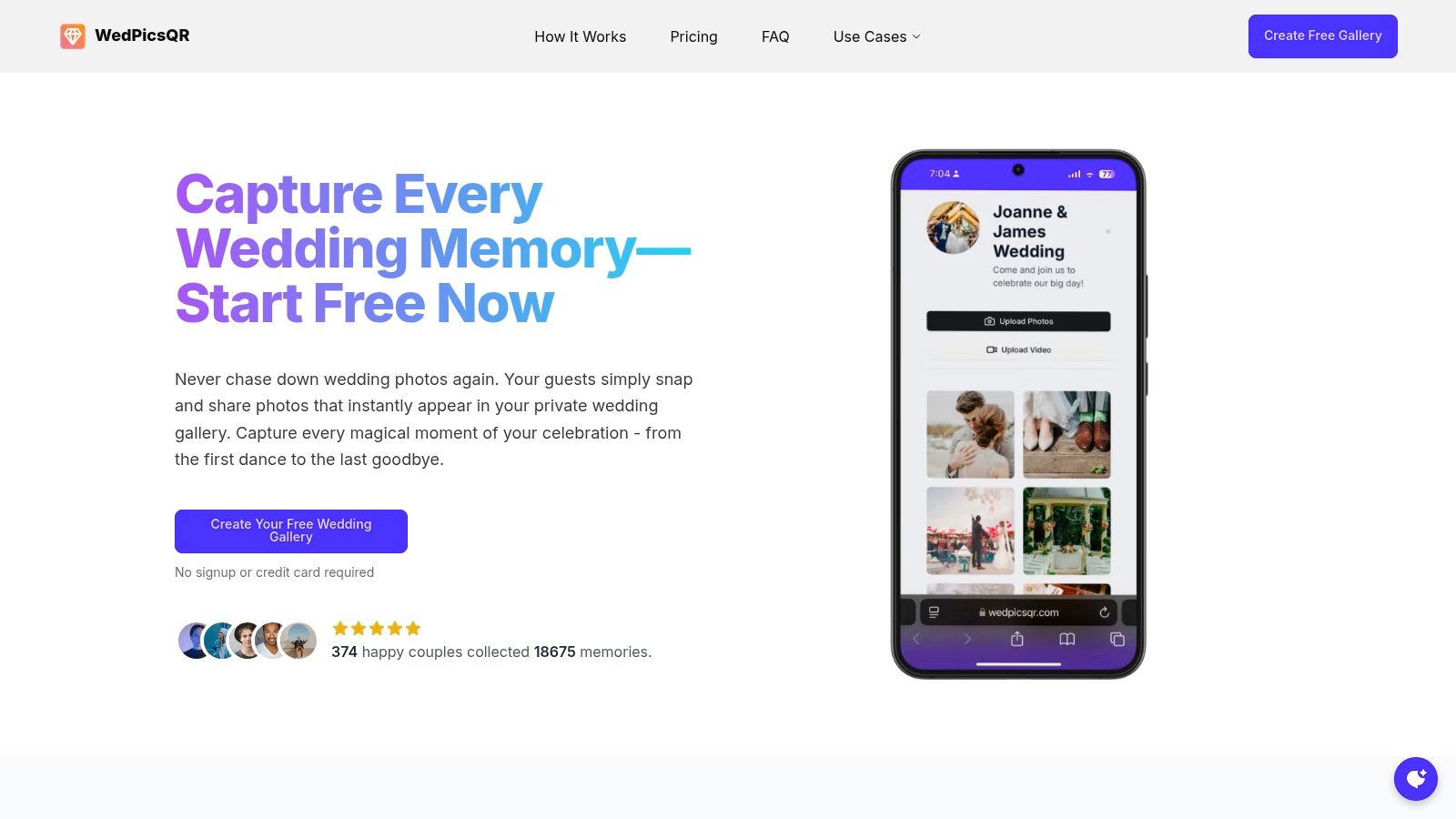
Fast, App-Free Uploads via QR Code
- Display your event’s QR code at the venue entrance or on invitations for instant photo uploads
- No downloads or account creation required for guests
- Works on iOS, Android, and desktop browsers
Real-Time Gallery Management
WedPicsQR filters duplicates automatically, ensuring every shot is unique. You can enable password protection on Premium plans and download full albums for archiving. The intuitive interface lets you approve or hide images with a single click.
Collect candid moments from every guest without any technical barriers, then share or download your gallery seamlessly.
Pricing and Access
| Plan | Price | Photo Limit | Guests | Storage Duration |
|---|---|---|---|---|
| Free Starter | $0 | 20 | 5 | 3 months |
| Single Photo Page | $29.99 (one-time) | 150 | 25 | 12 months |
| Unlimited (Most Popular) | $39.99 (one-time) | Unlimited | Unlimited | 12 months |
No subscriptions, one-time fees, and a 7-day refund window give couples peace of mind.
Pros and Cons
Pros
- Rapid, app-free crowd-sourced uploads
- Duplicate-photo removal, high-quality storage
- Affordable one-time pricing with flexible tiers
Cons
- Free tier capacity limited for larger events
- Paid storage expires after 12 months, requiring downloads for long-term archiving
Practical Tips for Event Hosts
- Display your event’s QR code at the venue entrance or on invitations for instant photo uploads
- Share the short URL in your wedding program or social media feed
- Assign a photo moderator to review uploads live
Visit WedPicsQR to get started.
2. Google Photos
As one of the best wedding photo sharing sites, Google Photos is a consumer-friendly cloud platform with powerful AI search, shared albums, and link sharing for effortless guest uploads. Its optional Shared Photo Library lets couples sync recent shots across devices without extra apps or accounts. Beyond weddings, it scales to birthdays, reunions, or corporate gatherings.
Key Features
- Shared albums and link invitations for collaborator uploads
- Optional Shared Photo Library with granular partner controls
- AI-powered search by faces, places, or objects
- Cross-platform apps and casting support on iOS, Android, and web
Pros and Cons
Pros
- Familiar interface means minimal learning curve for guests
- Fine-grained sharing with specific people or public links
- Robust editing tools and auto enhancements
Cons
- Free storage limited to 15 GB across Google services
- Shared albums downscale images to 2048 pixels on long edge
- Album limit of 5,000 items can fill up quickly at large weddings
Pricing and Storage
| Plan | Storage | Cost |
|---|---|---|
| Free | 15 GB | $0 |
| Google One | 100 GB – 2 TB | $1.99/mo – $9.99/mo |
Practical Tips
- Create a shared album link then convert it to a QR code for instant uploads with no app download
- Display your event’s QR code at the venue entrance or on invitations for instant photo uploads
- Use Google Photos’ AI search to sort shots by “wedding dresses” or “dance floor” after the event
Learn more about Google Photos on wedpicsqr.com
Visit the official site at https://photos.google.com
3. Apple Photos (Shared Albums / Shared Photo Library)
As one of the best wedding photo sharing sites, Apple Photos offers a built-in iPhone and iCloud solution ideal for iOS-centric celebrations. Shared Albums let couples invite guests via link or QR code to add photos, while Shared Photo Library co-owns a library with up to six people under simple contribution rules. Its built-in sync and social features also suit birthdays, reunions, or corporate gatherings.
Key Features
- Shared Albums with guest invites by link or QR code for no-app uploads
- Shared Photo Library for up to six co-owners with automatic sync
- Comments and likes in album view for social interaction
- Shared Albums do not count against iCloud storage quota
Pros and Cons
Pros
- Seamless experience for iPhone users
- Web-view links let non-Apple guests contribute without accounts
- Built-in social features like comments and likes
Cons
- Shared Album photos reduced in resolution and video capped at 720p
- 5,000-item limit per Shared Album can fill up fast
- Best features require most participants on Apple devices
Pricing and Storage
| Plan | Storage | Cost |
|---|---|---|
| Free | 5 GB iCloud | $0 |
| iCloud+ | 50 GB – 2 TB | $0.99 – $9.99/mo |
Practical Tips
- Display your event’s QR code at the venue entrance or on invitations for instant photo uploads
- Encourage guests to enable iCloud Photos to ensure auto-sync to the shared library
- Use comments and likes to highlight favorite moments during reception
Learn more about Apple Photos (Shared Albums / Shared Photo Library) on wedpicsqr.com
Visit the official site at https://www.apple.com/icloud/photos
4. Amazon Photos
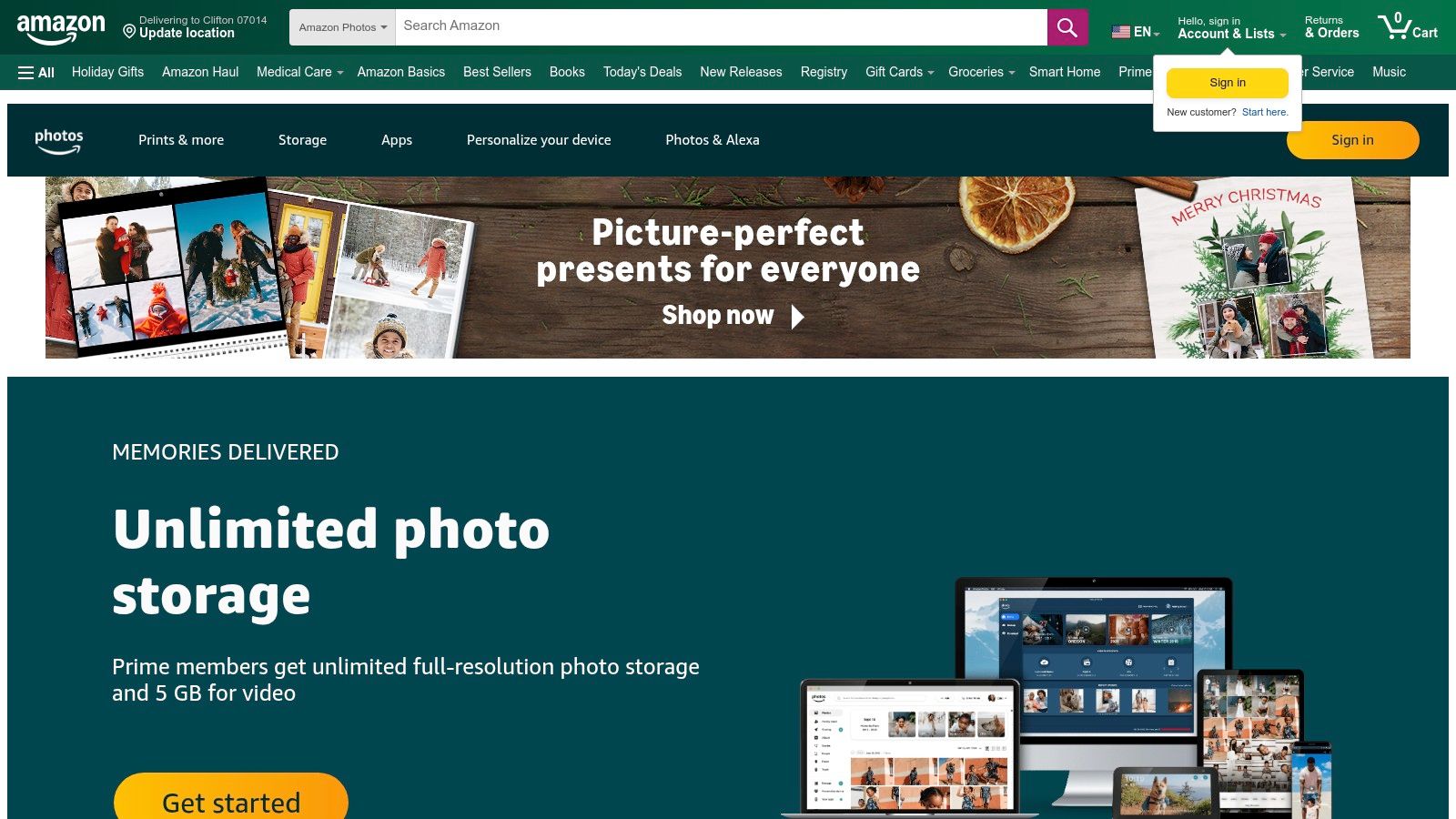
As one of the best wedding photo sharing sites, Amazon Photos delivers unlimited full-resolution photo storage for Prime members and easy guest contributions via shared albums. Couples can back up every shot in crisp detail and share an upload link or QR code so guests can instantly add photos with no app download. Beyond weddings, it handles birthdays, reunions, or corporate events seamlessly.
Key Features
- Unlimited full-resolution photo backup for Prime members
- Auto-backup on iOS, Android, web, and Fire TV slideshows
- Shared albums with link invitations and view-only or contribute modes
- External QR code integration for instant browser uploads
Pros and Cons
Pros
- Exceptional value for Prime users with no photo count limit
- Cross-platform apps and built-in slideshow support on Fire TV
- Simple link or QR code uploads with no extra app required
Cons
- Free tier limited to 5 GB total storage for non-Prime users
- Video storage capped at 5 GB for Prime; extra requires paid add-on
- Less advanced AI search compared to specialized photo platforms
Pricing and Storage
| Plan | Storage | Cost |
|---|---|---|
| Free | 5 GB (photos and videos) | $0 |
| Prime Member | Unlimited full-resolution photo storage | Included with Prime |
Practical Tips
- Create a shared album and convert its upload link into a QR code on invitations
- Display your event’s QR code at the entrance for instant browser-based uploads
- Use Fire TV slideshow mode to showcase guest photos live during the reception
Learn more about Amazon Photos at https://photos.amazon.com
5. Dropbox
As one of the best wedding photo sharing sites, Dropbox is a general-purpose cloud storage platform with simple shared folders, file requests, and large-file transfers. It lets guests or photographers upload full-resolution images—including RAW and video—without learning a new gallery app. Beyond weddings, Dropbox scales to birthdays, corporate gatherings, or reunions thanks to cross-platform apps and offline sync.
Key Features
- Shared folders and link invitations for collaborator uploads
- File Request links and QR codes to collect photos with no account needed
- Offline sync, version history, and restore options for total file control
- No automatic image compression when uploading originals
Pros and Cons
Pros
- Full-resolution uploads keep RAW, video, and large files intact
- Reliable syncing across devices ensures every shot is captured
- Guests upload via link or QR code instantly, no app installation
Cons
- Lacks a gallery-style layout by default for guest browsing
- Free plan capped at 2 GB, larger storage requires paid tiers
- No built-in photo editing or AI sorting tools
Pricing and Storage
| Plan | Storage | Cost |
|---|---|---|
| Basic | 2 GB | $0 |
| Plus | 2 TB | $9.99/mo |
Practical Tips
- Turn your File Request link into a QR code on venue signage for instant, app-free uploads
- Create separate folders for ceremony, reception, and rehearsal dinner to simplify curation
- Use version history to restore any accidentally overwritten or deleted photos
Visit the official site at https://www.dropbox.com
6. Pixieset
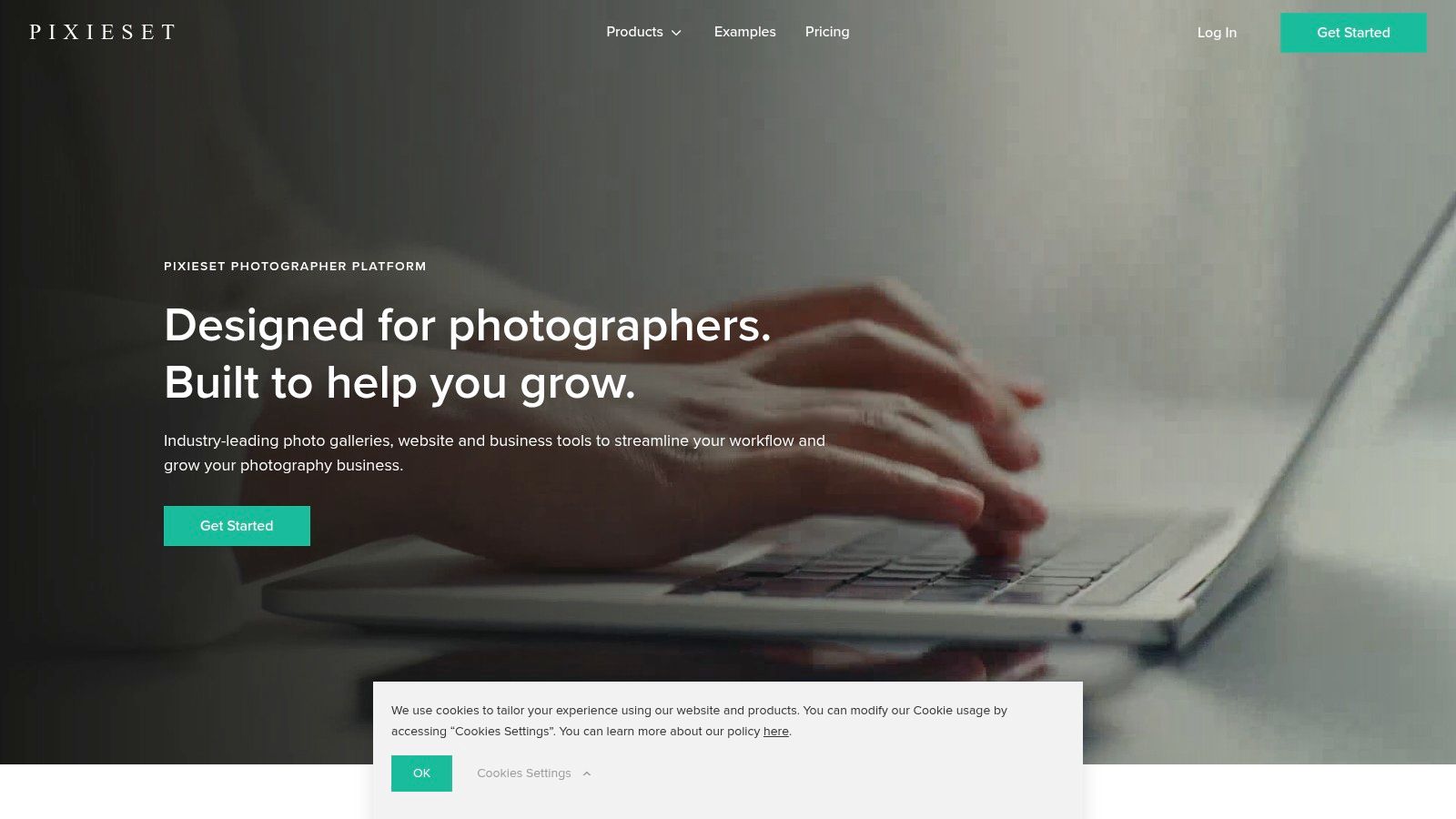
As one of the best wedding photo sharing sites, Pixieset is a photographer-focused client gallery platform that delivers beautifully branded galleries, integrated print storefront, and automatic lab fulfillment. It’s ideal when a professional photographer hosts the wedding gallery and the couple wants a polished guest experience with easy print ordering. Beyond weddings, Pixieset adapts equally well for birthdays, reunions, or corporate gatherings where guests contribute and order prints. Its QR code upload option and shareable links let guests add photos instantly with no app or extra login needed.
Key Features
- Custom branded client galleries with clean, modern presentation
- Integrated storefront for prints, albums, and wall art
- Automatic lab fulfillment with global shipping options
- Unlimited galleries across paid plans and support for high-resolution video
- Coupon and discount management for special guest offers
Pros and Cons
Pros
- High quality, tasteful gallery experience for guests
- Seamless downloads and direct print ordering
- QR code based uploads with no app required
- Scales from free starter to studio storage tiers
Cons
- Branding removal and higher storage require paid plans
- Advanced features locked behind studio tier
- No native AI search across images
Pricing and Storage
| Plan | Storage | Cost |
|---|---|---|
| Free | 10 GB | $0 |
| Starter | 20 GB | $8/mo |
| Pro | 100 GB | $24/mo |
| Business | Unlimited | $40/mo |
Practical Tips
- Display your event’s QR code at the venue entrance for instant photo uploads
- Customize gallery branding and messaging to match your wedding theme
- Offer a Pixieset coupon code to encourage guest print orders
Learn more about Pixieset on wedpicsqr.com
Visit the official site at https://pixieset.com
7. Pic-Time
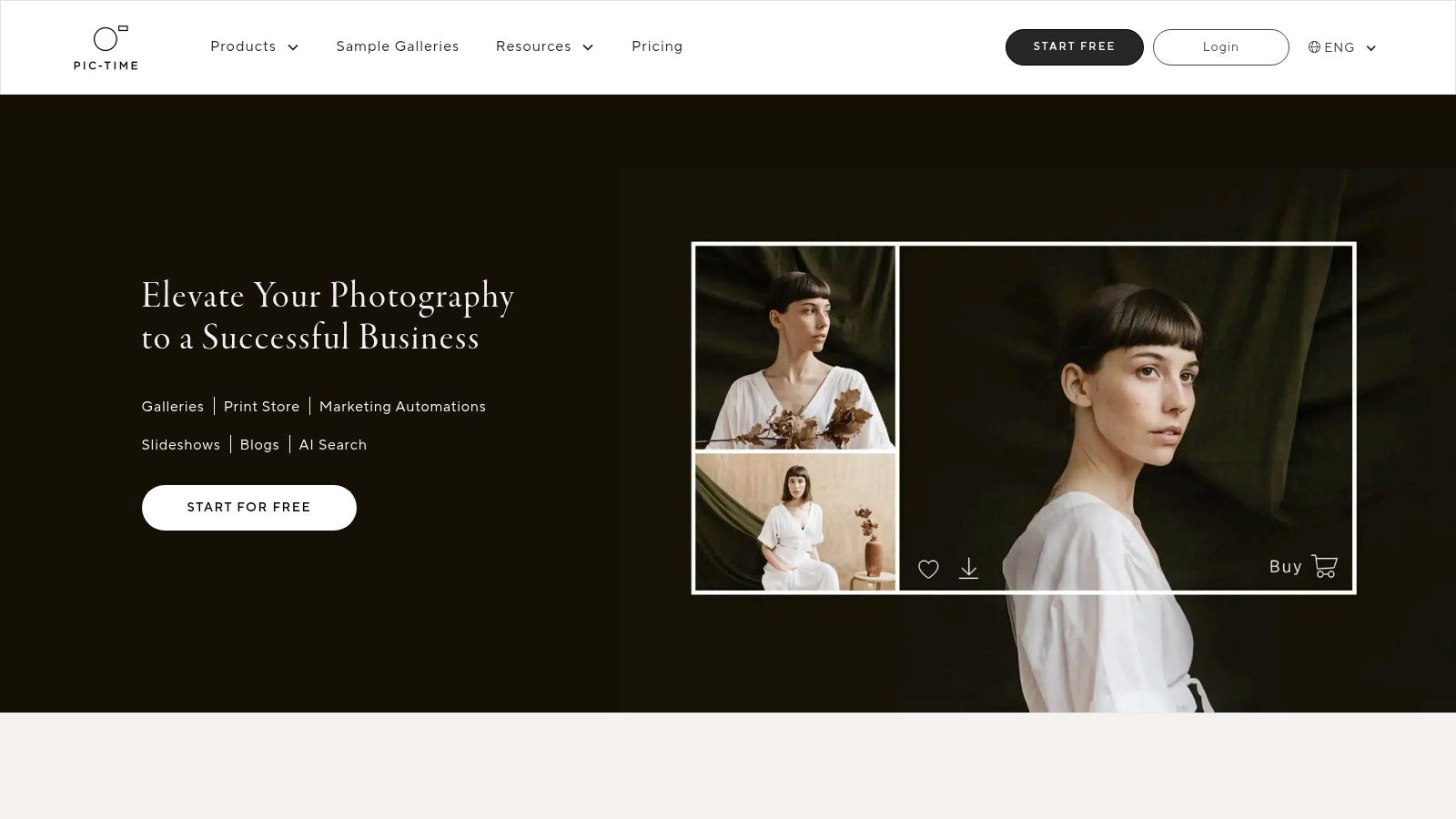
As one of the best wedding photo sharing sites, Pic-Time is a professional client gallery platform known for its elegant delivery interface, automated print sales, and marketing tools. It suits photographers delivering post-wedding galleries and couples who want an easy way to order prints and albums. While targeted at weddings, Pic-Time also serves birthdays, reunions, corporate events, and more. Seamless Lightroom integration and a built-in print store with 30+ lab partners turn guest shots into keepsakes without extra steps.
Key Features
- Brandable client galleries with granular download permissions and password controls
- Built-in print store integrated with over 30 professional labs
- Automated sales emails and marketing workflows for upsells
- Lightroom plugin for one-click gallery uploads
- Mobile app for on-the-go approvals and guest uploads
Pros and Cons
Pros
- Elegant, customizable galleries that impress clients
- Robust sales and marketing tools drive print and album orders
- Flexible plans include an unlimited-storage tier for large events
Cons
- Advanced automations reserved for higher-priced plans
- Free plan limits you to 30 images and temporary galleries
- No built-in QR code generator for guest upload links
Pricing and Storage
| Plan | Storage | Cost |
|---|---|---|
| Free | 1 gallery, 30 images | $0 |
| Basic | 500 images | $8/mo |
| Pro | Unlimited images | $16/mo |
| Unlimited | Unlimited images | $30/mo |
Practical Tips
- Generate an upload link then convert it to a QR code. Display it at your venue entrance for instant, app-free guest contributions
- Schedule automated reminder emails within two weeks post-wedding to boost print and album sales
- Use the Lightroom plugin to sync approved images directly into your Pic-Time gallery
Visit the official site at https://www.pic-time.com
8. SmugMug
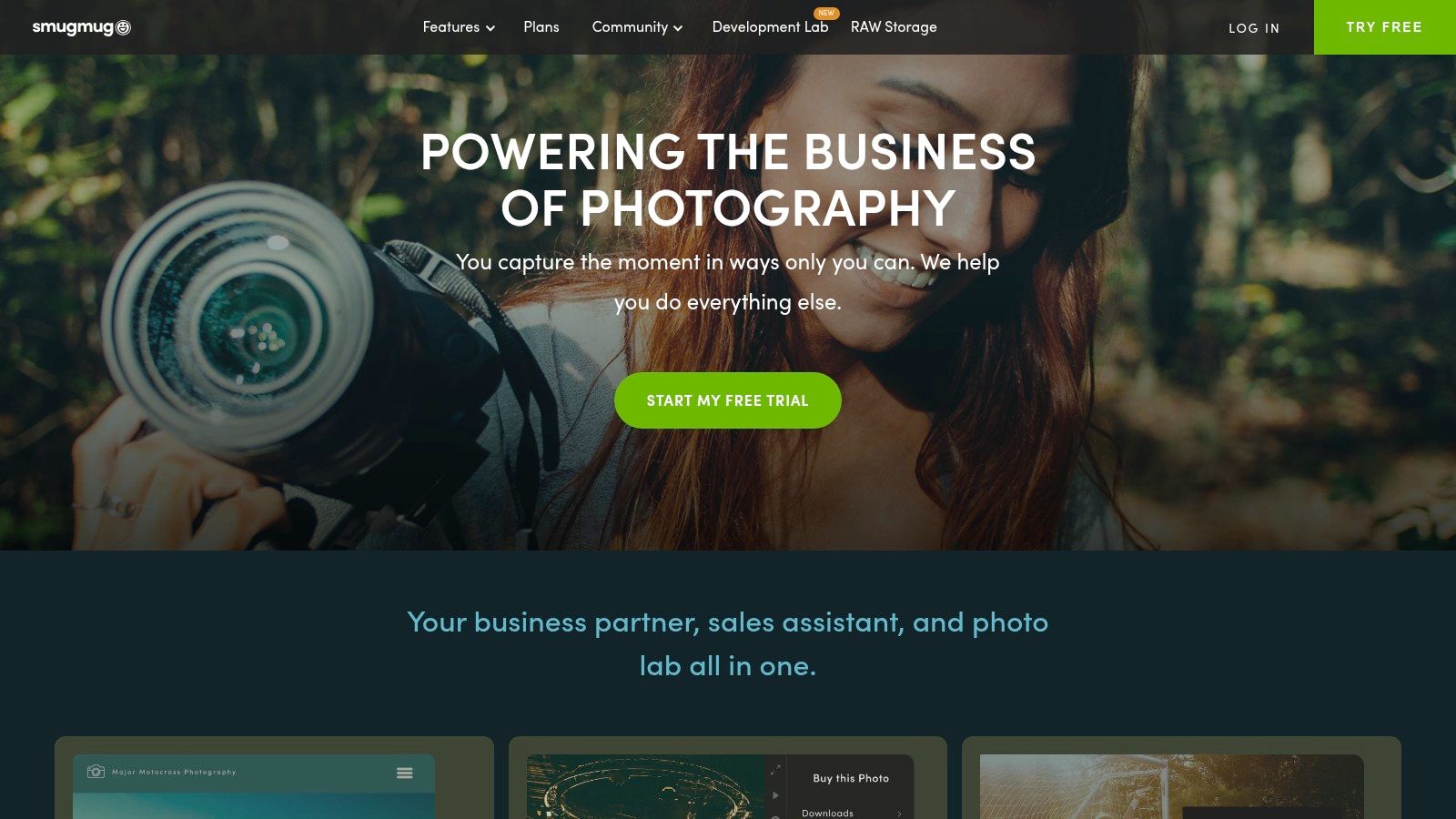
As one of the best wedding photo sharing sites, SmugMug is a mature portfolio and gallery platform offering unlimited photo hosting, fully customizable galleries, and built-in commerce for photographers to deliver polished, guest-friendly experiences. Its privacy controls and custom domain support make it ideal for couples who want a branded, secure way to collect and showcase wedding images. Beyond weddings, SmugMug shines for birthdays, corporate events, reunions, and large gatherings.
Key Features
- Unlimited photo and video hosting with high-resolution display
- Customizable gallery themes, URL slugs and custom domains
- Built-in print store and product sales with fulfillment options
- Granular privacy settings: password protection and hidden folders
- Free trial available before you commit to a subscription
Pros and Cons
Pros
- Professional platform trusted by wedding photographers
- Strong privacy controls ensure guest uploads remain private
- Commerce features let couples or pros sell prints, albums and products
Cons
- No permanent free tier, only a time-limited trial
- Advanced commerce and customization require higher-tier plans
- Interface can feel complex for non-professional users
Pricing and Storage
| Plan | Storage | Cost |
|---|---|---|
| Basic | Unlimited | $7.99/mo |
| Power | Unlimited | $11.99/mo |
| Portfolio | Unlimited | $27.99/mo |
| Pro | Unlimited | $42.99/mo |
Practical Tips
- Generate a gallery upload link and convert it into a QR code for instant, app-free photo contributions
- Match your gallery theme to wedding colors for a seamless guest browsing experience
- Preload your print store with curated products so family and friends can order albums on demand
Learn more about SmugMug wedding photo galleries on wedpicsqr.com
Visit the official site at https://www.smugmug.com
9. Zenfolio
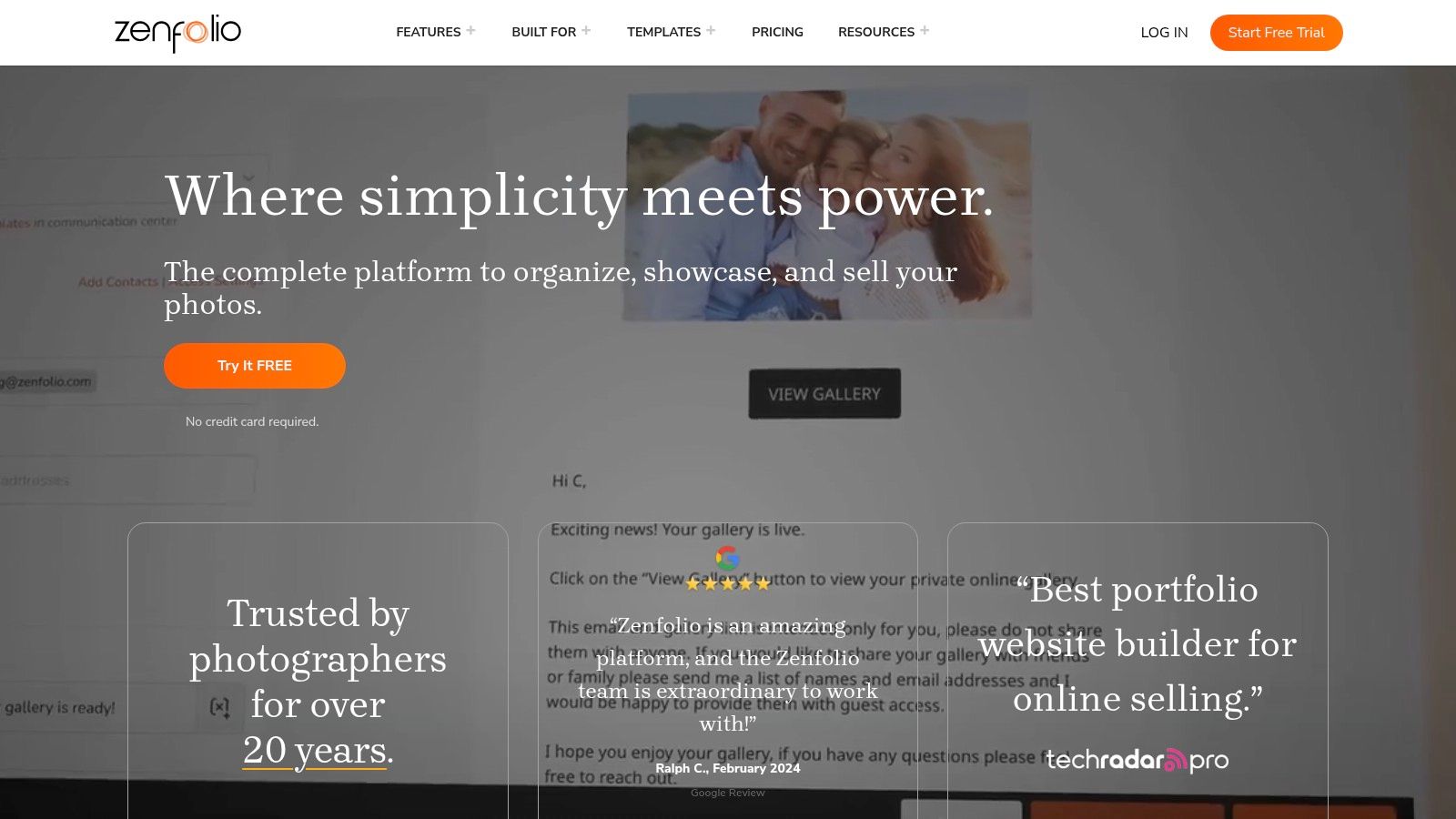
As one of the best wedding photo sharing sites, Zenfolio is a photographer-centric platform offering end-to-end workflows from booking and client proofing to gallery delivery and product sales. Couples appreciate easy print ordering and secure access to purchase albums or canvases with transparent pricing and auto-fulfillment shipping. Event planners and photographers can issue QR codes for instant guest uploads with no app required, while built-in email marketing tools keep everyone informed. Beyond weddings, it adapts to birthdays, reunions, corporate events and more.
Key Features
- Unlimited client galleries with built-in proofing tools
- E-commerce engine with product pricing and auto-fulfillment shipping
- NextZen selling tools for customizable print and digital packages
- Integrated booking, scheduling and calendar management
- Client campaigns and email marketing (Classic plans)
Pros and Cons
Pros
- End-to-end workflow covering booking, proofing, delivery and sales
- Clear breakdown of product costs and fulfillment options
- Instant QR-code uploads for guests without app downloads
Cons
- 7% commerce fee per order in addition to payment processing
- Some advanced selling tools locked behind higher-tier plans
Pricing and Storage
| Plan | Galleries | Cost |
|---|---|---|
| Starter | Unlimited | $11.99/mo |
| Advanced | Unlimited | $24.99/mo |
| Premium | Unlimited | $49.99/mo |
Practical Tips
- Display your event’s QR code at the venue entrance or on invitations for instant photo uploads
- Use proofing galleries to let couples approve shots before final album creation
- Set up automated email campaigns to announce print and product specials after the wedding
Learn more about Zenfolio on wedpicsqr.com
Visit the official site at https://www.zenfolio.com
10. ShootProof
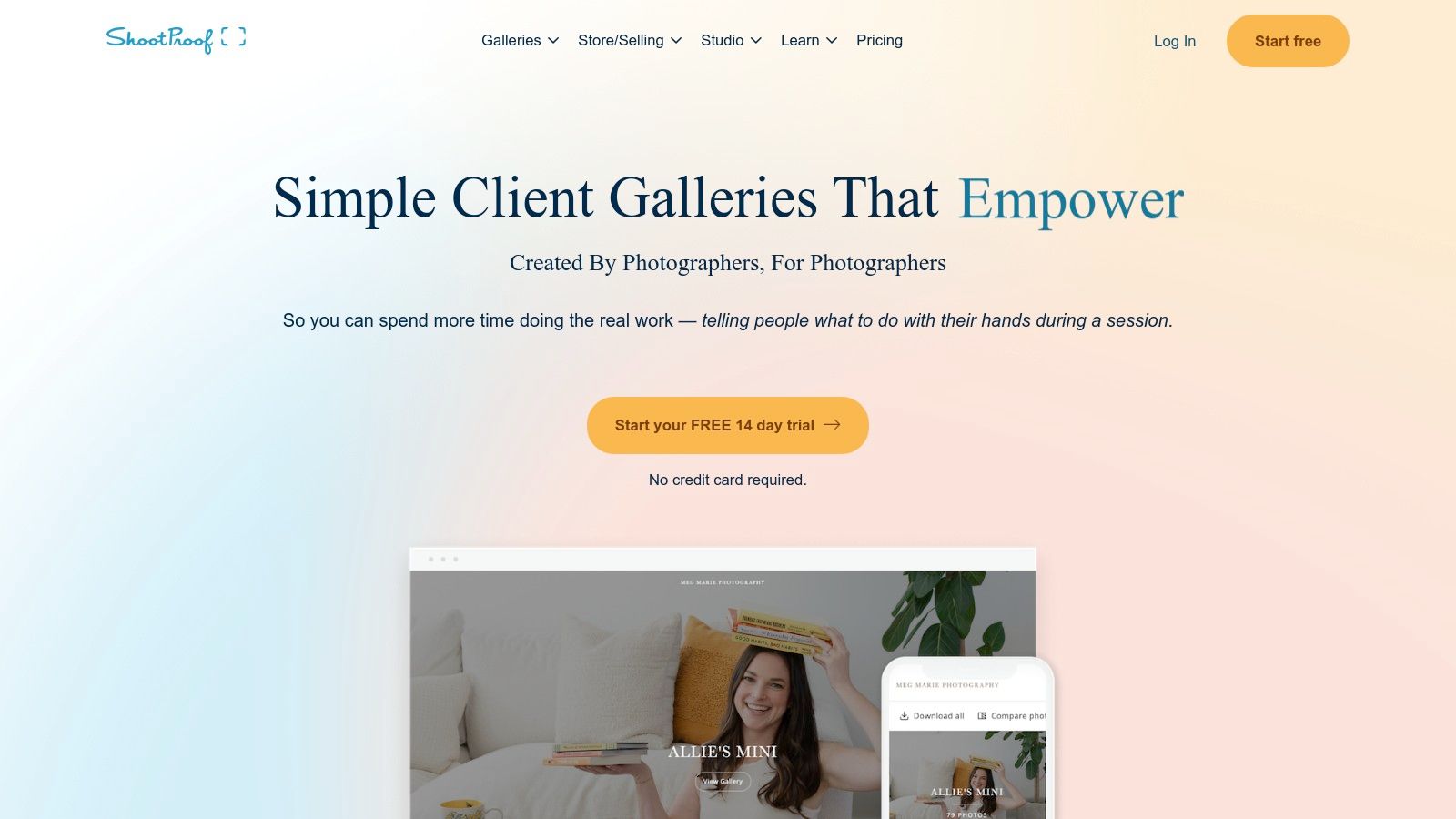
As one of the best wedding photo sharing sites, ShootProof is a client gallery and sales platform popular with wedding photographers and couples for seamless image delivery, branded galleries, and commission-free print and product sales via pro labs. Its intuitive interface and mobile gallery app let guests browse and download images instantly, while QR codes can link directly to active galleries without any app downloads. While ideal for weddings, ShootProof also works well for birthdays, corporate events, and other gatherings requiring guest photo uploads.
Key Features
- Unlimited client galleries with customizable branding
- Commission-free sales through integrated professional lab products
- Mobile gallery app for on-the-go browsing and download controls
- Guest upload links and password protection for privacy
Pros and Cons
Pros
- Keep 100 percent revenue from prints and products
- Highly customizable galleries with robust client controls
- Dedicated support resources and tutorials
Cons
- Free plan limited to 100 photos total
- Paid subscriptions required for large weddings and extended storage
- Lacks built-in QR code upload (requires third-party integration)
Pricing and Storage
| Plan | Storage Limit | Cost |
|---|---|---|
| Free | 100 photos | $0 |
| Pro | Unlimited galleries | $10/mo |
| Pro Suite | Advanced tools | $20/mo |
Practical Tips
- Generate unique gallery links then convert them to QR codes for instant guest uploads
- Use password protection to secure private wedding galleries
- Enable print preorders so guests can order directly from your pro lab inventory
Visit the official site at https://www.shootproof.com
11. PASS Gallery
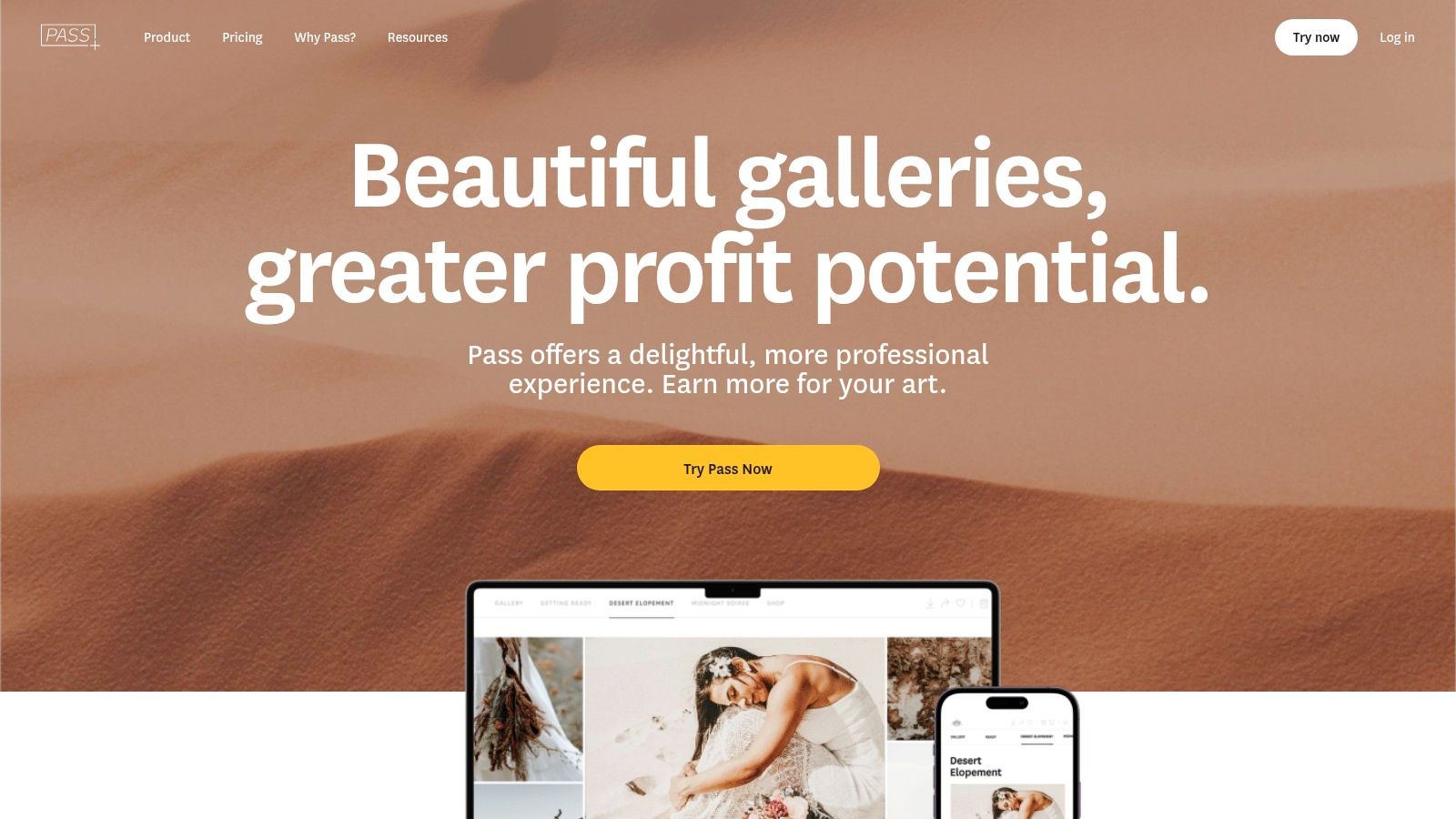
As one of the best wedding photo sharing sites, PASS Gallery caters to studios and couples needing high-capacity hosting with seamless guest uploads. Its client gallery interface features favoriting, slideshows, and high/low-res downloads for easy sharing across devices. Tech-savvy hosts can display a gallery QR code for instant, app-free photo uploads and real-time consolidation of every shot. While built for weddings, PASS Gallery also supports birthdays, corporate functions, reunions, and more.
Key Features
- Client-specific galleries with favorites and custom slideshow modes
- Selectable high- and low-resolution downloads for guests and pros
- Mobile app access for photographers and attendees
- Unlimited storage in professional and platinum plans
- Dedicated onboarding and pro consults with upper-tier subscriptions
Pros and Cons
Pros
- Unlimited hosting ideal for large weddings or multi-day events
- Clean, intuitive interface that requires no extra apps for guests
- Onboarding support streamlines setup for busy studios and planners
Cons
- Most powerful benefits locked behind annual Unlimited/Platinum tiers
- Pricing geared toward professional photographers, not casual couples
- No free or pay-as-you-go option for low-volume users
Pricing and Storage
| Plan | Storage | Cost |
|---|---|---|
| Basic | 100 GB | $15/mo |
| Professional | Unlimited | $29/mo |
| Platinum | Unlimited + Pro Consult | $49/mo |
Practical Tips
- Display your event’s QR code at the venue entrance or on invitations for instant, app-free uploads
- Encourage guests to use “Favorites” so you can shortlist top shots immediately
- Embed a live slideshow on your wedding website or reception screens to showcase guests’ moments
Visit the official site at https://www.passgallery.com
12. Wedbox
Wedbox stands out among the best wedding photo sharing sites by offering a purpose-built platform where couples and guests can upload photos and videos via QR code or a short invite code. Its private browser access, multi-language support, and Photo Booth mode make guest participation effortless. Optional hosting windows and bulk download packages ensure you keep every moment in original quality. While built for weddings, Wedbox also supports birthdays, reunions, corporate functions, and other special events.

Key Features
- QR code or alphanumeric code invites for instant uploads without app download
- Browser-based guest and photographer uploads on any device
- Photo Booth mode for on-site tethered uploads
- Multi-language interface for international guests
- Configurable hosting periods with bulk original-quality download options
Pros and Cons
Pros
- Built specifically for weddings with intuitive guest flow
- Very easy setup: display QR code at the ceremony or on invites
- Affordable upgrades for extended hosting and full-quality downloads
Cons
- Free hosting only covers a limited timeframe
- Original-quality bulk downloads require a paid plan
- No advanced editing or AI tagging features
Pricing and Storage
| Plan | Hosting Window | Downloads | Cost |
|---|---|---|---|
| Free | 30 days | Standard resolution | $0 |
| Basic | 90 days | Full original quality | $9.99 |
| Premium | 365 days | Full original quality | $19.99 |
Practical Tips
- Display your event’s QR code at the venue entrance for instant crowd-sourced photos
- Enable Photo Booth mode near guest tables for candid moments
- Select multi-language prompts to welcome international attendees
Visit the official site at https://wedbox.com
Learn more about Wedbox’s wedding photo sharing features on wedbox.com
Top 12 Wedding Photo Sharing Sites Comparison
| Service | Core features | UX / Quality | Best for | Price & storage |
|---|---|---|---|---|
| WedPicsQR | QR / short-URL app-free uploads; private customizable galleries; duplicate removal; bulk downloads; password (Premium) | Real-time consolidation; no app install; quick setup; priority support (paid) | Engaged couples, wedding planners, guest-contributed galleries | Free (3 mo, 20 photos / 5 guests); $29.99 one-time (150 photos, 12 mo); $39.99 one-time Unlimited (12 mo) |
| Google Photos | Shared albums & links; AI search; cross-platform apps | Familiar UI; strong edits & search; easy guest uploads | Couples using Google ecosystem; general cloud storage | 15 GB free across Google services; Google One paid plans for more |
| Apple Photos ... | Shared Albums; Shared Photo Library for up to 6; comments/likes; web-view for non-Apple guests | Seamless for iOS users; integrated social features | iOS-centric weddings and families | 5 GB free iCloud; paid iCloud+ tiers; shared albums downscale to ~2048 px |
| Amazon Photos | Auto-backup; albums & sharing; Fire TV slideshow | Simple cross-platform apps; good for slideshows | Prime members and families needing full-res backups | Prime members: unlimited full-res photo storage; non-Prime: 5 GB free |
| Dropbox | Shared folders; file requests; no automatic compression; sync & versioning | Reliable syncing; not gallery-first — more file-focused | Photographers needing originals/RAW and large file transfers | Free limited tier; paid plans (e.g., 2 TB Plus) for large storage |
| Pixieset | Branded client galleries; integrated print storefront & fulfillment; video support | High-quality, modern gallery presentation; client-facing storefront | Professional photographers delivering polished client galleries | Free starter; paid tiers for branding, large storage and print features |
| Pic-Time | Client galleries; built-in print store (30+ labs); sales automations | Elegant delivery UI; strong sales & marketing tools | Photographers who sell prints and albums | Free limited plan; paid plans include unlimited-storage options |
| SmugMug | Unlimited photo hosting; customizable galleries; built-in e-commerce | Stable pro platform; strong privacy & commerce | Photographers selling prints and portfolios | Subscription-based (no permanent free tier); commerce tied to plan level |
| Zenfolio | Client galleries, proofing & scheduling; e-commerce & fulfillment | End-to-end workflow for pros; marketing tools (Classic) | Wedding professionals needing booking-to-delivery tools | Subscription plans; commerce fee (~7%) plus processing fees |
| ShootProof | Branded galleries; commission-free print sales via pro labs; mobile app | Robust gallery controls; good support resources | Photographers wanting commission-free sales & client controls | Free/entry limited; paid plans for large galleries and features |
| PASS Gallery | Client galleries with favorites/slideshow; hi/low-res downloads; mobile app | Studio-focused onboarding; high-capacity hosting | Studios needing large/unlimited storage & pro support | Annual tiers; Unlimited/Platinum for heavy studio use (pricing geared to studios) |
| Wedbox | QR/code & browser uploads; Photo Booth mode; multi-language support | Wedding-specific UX; very easy for guests | Couples wanting a dedicated guest-upload hub | Free/time-limited hosting; original-quality bulk downloads and longer hosting are paid extras |
Your Ultimate Wedding Photo Sharing Checklist
Putting together the perfect photo sharing plan can feel overwhelming. This checklist distills insights from our roundup of the best wedding photo sharing sites into actionable steps. Use it to compare platforms, anticipate guest needs, and streamline photo collection for weddings and beyond.
Key Insights from Top Platforms
-
Instant Onboarding
- QR code or link uploads with no app requirement
- In-browser photo additions from any device
-
Guest Experience
- One-click uploads via QR code displays at venue entrances
- Simple sharing links on invitations and event pages
-
Privacy and Control
- Password protection and custom gallery settings
- Approval workflows for guest-submitted photos
-
Pricing and Storage
- One-time vs subscription options
- Free tiers vs unlimited high-res storage
-
Event Versatility
- Wedding-focused features, plus birthdays, corporate events, reunions
- Brandable galleries for pro photographers and event planners
Choosing the Right Tool
Use these criteria to narrow down your selection among the best wedding photo sharing sites:
Ease of Setup
- Look for guided gallery creation wizards
- Test QR code generation in minutes
Guest Upload Flow
- Verify app-free upload steps
- Ensure mobile responsiveness across platforms
Privacy Settings
- Confirm password or email-whitelist options
- Check auto-moderation vs manual approval
Cost Considerations
- Compare storage limits on free plans
- Evaluate one-time fees for single events
Feature Add-Ons
- Branded gallery templates or custom URLs
- Integration with photo-printing services
Implementation Checklist
Before your big day, run through this list to guarantee smooth photo sharing:
- Create a demo gallery on your top choice
- Generate and test QR codes at different sizes
- Draft invitation inserts with upload instructions
- Set up privacy controls and approval settings
- Assign a coordinator to monitor new uploads
- Share a practice link with a small group to troubleshoot
Practical Use Case Examples
- Display your event’s QR code at the venue entrance or on invitations for instant photo uploads
- Provide photographers with a private admin link to curate guest images in real time
- Use branded galleries for corporate retreats to reinforce brand identity
Final Thought
An effortless, app-free upload experience can transform how guests capture and share your wedding memories. By following this checklist, you’ll be ready to select and implement the platform that best fits your event’s scale, budget, and privacy needs. Embrace the seamless flow of instant QR-driven uploads and centralized galleries to preserve every moment without stress.
Ready to bring your photo sharing plan to life with a tool built for weddings and more? Try WedPicsQR for instant, app-free QR uploads, flexible one-time pricing, and customizable private galleries. Discover why it’s a top choice among the best wedding photo sharing sites.
WedPicsQR is your partner in effortless event photo management. Visit WedPicsQR to get started today!