
Grow with qr code for small business: A Practical Guide to Growth
For any small business, a QR code is more than just a funky-looking square. Think of it as a low-cost, high-impact marketing tool that connects your real-world customers directly to your digital space. It's the simplest way to bridge the gap between a printed flyer or a storefront sign and your website, menu, or a special offer, leveling the playing field without a huge budget.
Why QR Codes Are a Secret Weapon for Small Businesses
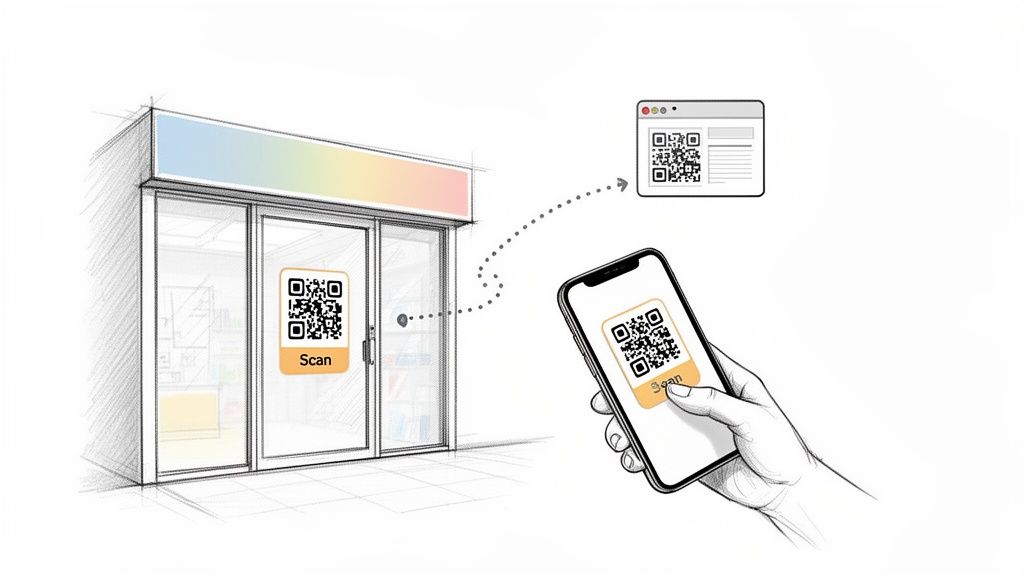
In a crowded market, small businesses need tools that punch above their weight—effective but affordable. QR codes are a perfect fit. They turn static items like business cards, product packaging, and in-store displays into interactive touchpoints.
The real magic is in their simplicity and ease of use. Customers already have everything they need in their pocket: a smartphone. They just point their camera, scan the code, and land exactly where you want them. No clunky apps to download, no confusing URLs to type. This frictionless experience is everything when it comes to boosting engagement and getting valuable customer feedback.
Versatility for Events and Marketing
While everyone thinks of restaurant menus, the possibilities are so much bigger. QR codes can power everything from dedicated loyalty applications for small businesses that keep customers coming back to collecting user-generated content at events.
And that's where things get really interesting, especially for businesses that host events or parties. Photo collection becomes a breeze.
Platforms like WedPicsQR really nail this concept. Although its primary focus is on weddings, the technology is a powerhouse for any kind of gathering due to its versatility:
- Corporate Gatherings: Instantly collect photos from team-building days or company holiday parties.
- Birthday Parties: Create a shared album where every guest can drop their best shots.
- Family Reunions: Finally get all the photos from every branch of the family tree in one place.
- Community Events: Crowdsource images to document local festivals or fundraisers.
The core benefit is the ease of use. Guests can perform instant photo uploads with no app requirement, and all images are seamlessly consolidated into a single, private gallery.
Imagine this: you display your event’s QR code at the venue entrance or on invitations for instant photo uploads. It's a proactive way to capture authentic, candid moments from every perspective, creating a visual story of your event that a single photographer could never capture.
If you're just getting started, take a look at our guide on what a QR code is and how it works. It’ll give you the foundation you need to start putting these strategies into action today.
Boosting Customer Engagement with Simple QR Code Scans
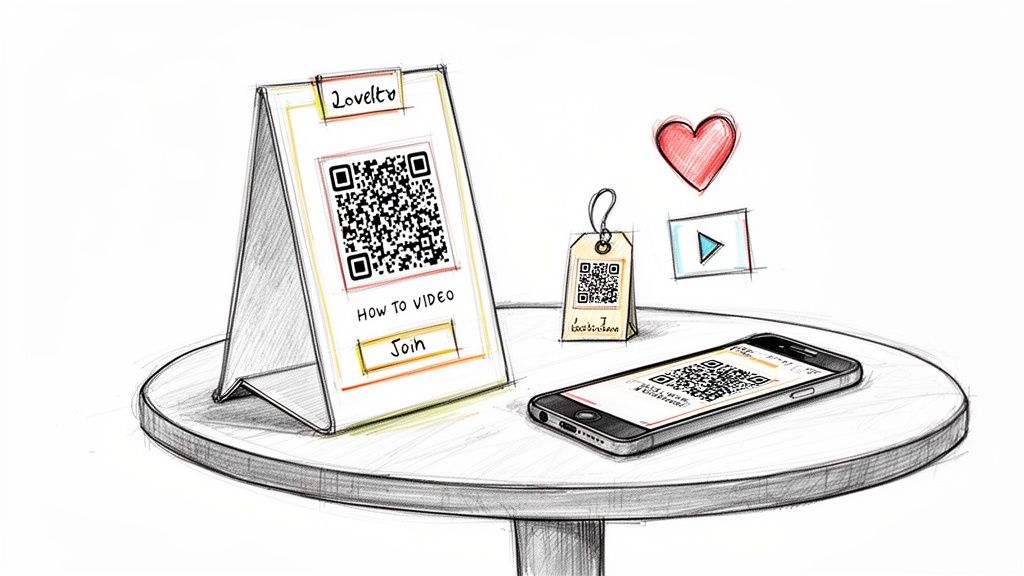
Let's be honest: generic marketing just doesn't cut it anymore. People want to feel a real connection. For small business owners, a simple QR code can be the bridge that turns a passing customer into an engaged fan—without asking them to download yet another app.
Think about it. A customer in your coffee shop scans a code on the table and instantly gets a prompt to join your loyalty program. Or a shopper in your boutique scans a tag on a new handbag and watches a short video about the local artisan who made it.
These aren't huge, flashy campaigns. They're small, meaningful interactions that make the customer experience better. And because nearly everyone has a smartphone in their pocket, the barrier to entry is practically zero.
More Than Just Menus and Marketing
This app-free magic isn't just for cafes and shops; it's a game-changer for events and community building. While platforms like WedPicsQR are primarily known for weddings, their real power lies in their versatility for any gathering where you want to collect memories.
Picture these practical examples for your business or personal events:
- Corporate Events: Slap a QR code on the welcome sign at the company picnic. Team members can upload photos straight from their phones into one central, private gallery. No more chasing people down on Slack.
- Birthday Parties: Pop a QR code on the invitations. Guests can start sharing excitement and old photos before the party even kicks off.
- Family Reunions: Put a large QR code on a banner in the main gathering area for seamless consolidation of photos. Finally, all those pictures from different cousins end up in the same place.
The real win here is the ease of use. Guests can start instant photo uploads with no app requirement, which means you capture far more of those candid moments that truly matter. Just display your event’s QR code at the venue entrance or on invitations for instant photo uploads and watch the memories roll in.
It's no surprise that small businesses are all over this. They were responsible for a whopping 38% of all QR codes generated in 2023, proving just how accessible and effective this tech is.
From Retail Shelves to Event Ticketing
The possibilities go way beyond collecting photos. A QR code can be your direct link to almost any digital experience, making it a powerful tool for virtually any type of small business.
For businesses that host events, QR codes can completely simplify the check-in process. You can learn more about the best practices for using a QR code for tickets to streamline entry and get people inside faster.
This simple black-and-white square connects your physical world to your online one. Add a QR code to your product packaging that links to a 'how-to' video. If you run a booth at a local market, display a code that lets shoppers follow your Instagram with a single scan.
To get your creative juices flowing, here’s a quick look at how different businesses can put QR codes to work.
QR Code Engagement Ideas for Different Small Businesses
| Business Type | QR Code Use Case | Primary Benefit |
|---|---|---|
| Restaurant/Café | On-table codes for loyalty sign-ups or feedback surveys. | Builds repeat business and gathers customer insights. |
| Retail Boutique | On product tags linking to styling videos or artisan stories. | Enriches the shopping experience and tells your brand story. |
| Local Gym | On equipment linking to workout tutorials. | Adds value for members and improves user experience. |
| Artisan Market Stall | Signage with a code to follow on social media or join a mailing list. | Captures leads and builds a community beyond the market. |
| Service Business | On business cards linking to a portfolio or booking page. | Makes it easy for potential clients to see your work and book you. |
| Event Planner | On event materials for photo collection (using a tool like WedPicsQR). | Gathers user-generated content and enhances the event experience. |
Each scan is another chance to strengthen your relationship with a customer. If you're looking for more inspiration, check out our deep dive on the different uses for QR codes.
How to Collect Event Photos Effortlessly with WedPicsQR
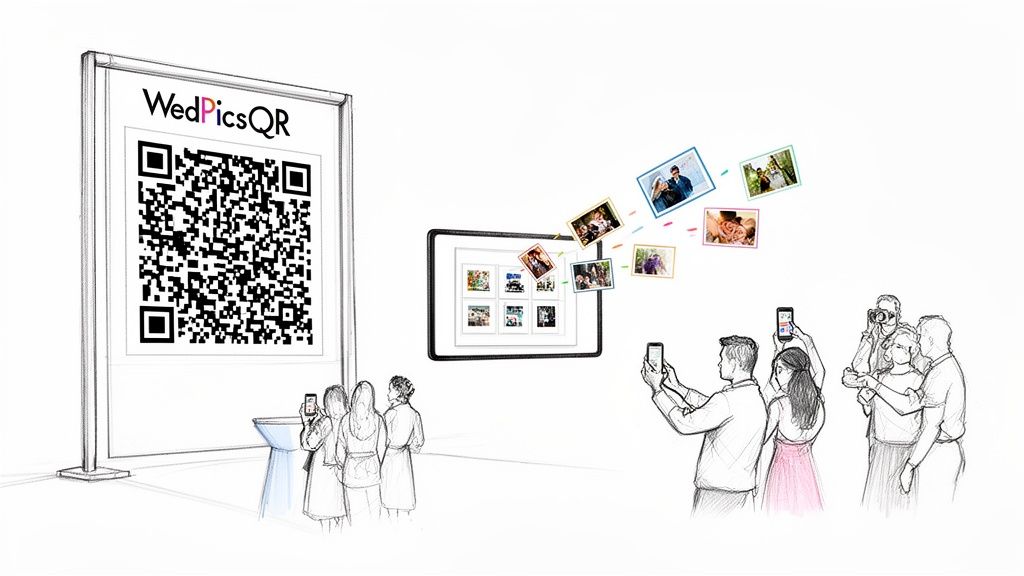
We've all been there. You throw a fantastic event, and then spend the next month hounding people for the photos they took. It's a logistical nightmare that sucks the joy right out of a successful get-together. This is exactly why a dedicated photo collection QR code for small business events isn't just a gimmick—it's a game-changer.
Tools like WedPicsQR have this down to a science. They've stripped away all the fluff to focus on what actually gets people to share photos: making it dead simple. The whole idea is to tear down every single barrier that stops a guest from uploading their favorite shots.
The No-App, All-Access Advantage
Let’s be honest, the biggest reason photo-sharing plans fail is because they force guests to download an app. Nobody wants another app cluttering up their phone for a one-time thing. It's an immediate turn-off.
WedPicsQR brilliantly dodges this problem. There is absolutely no app requirement for anyone to upload a single picture. Guests just scan the QR code with their phone's camera, and it pops open a direct upload page in their browser. That's it. This one feature skyrockets participation, guaranteeing you get way more of those candid, behind-the-scenes moments.
If you’re planning an event, this frictionless approach is a lifesaver. You can see for yourself how WedPicsQR makes photo sharing effortless and what the experience looks like from a guest’s perspective.
One Code to Rule Them All
The real magic here is consolidation. Forget about photos being scattered across text threads, a dozen different social media hashtags, and buried in email chains. With a single QR code, every image is automatically funneled into one private, organized gallery. This seamless consolidation of photos will save you hours of mind-numbing admin work later.
Think about how this works in the real world:
- Weddings: This is the primary focus of WedPicsQR. Couples can collect every guest's snapshot into a single, beautiful album that tells the full story of their day.
- Corporate Events: For a company retreat or holiday party, a quick scan lets employees instantly contribute to a shared gallery. It's perfect for internal newsletters or your company’s social media feed.
- Parties & Reunions: It creates a collaborative digital scrapbook that everyone can add to in real-time and enjoy for years to come, whether it's for a birthday, anniversary, or family get-together.
Here's a practical example: Display your event’s QR code at the venue entrance or on invitations for instant photo uploads. This proactive approach makes sure every guest knows exactly how to share their photos the second they walk in the door.
Smart Placement for More Photos
How and where you display the QR code directly affects how many pictures you'll get. Your goal is to make it impossible to miss. Get creative and weave it right into your event’s decor and communications.
Try putting your unique code in these high-traffic spots:
- On Table Tents: A small, scannable code on each table lets guests upload photos during dinner or lulls in the action.
- At the Bar or Photo Booth: Catch people when they’re already having fun and have their phones out.
- On Event Programs or Invitations: Give attendees a heads-up so they can start sharing before the main event even kicks off.
Ultimately, using a QR code for photo collection turns every guest into a co-photographer for your event. You end up with a richer, more diverse collection of memories, all neatly organized in one place, thanks to a simple scan.
Designing and Placing QR Codes That People Actually Scan
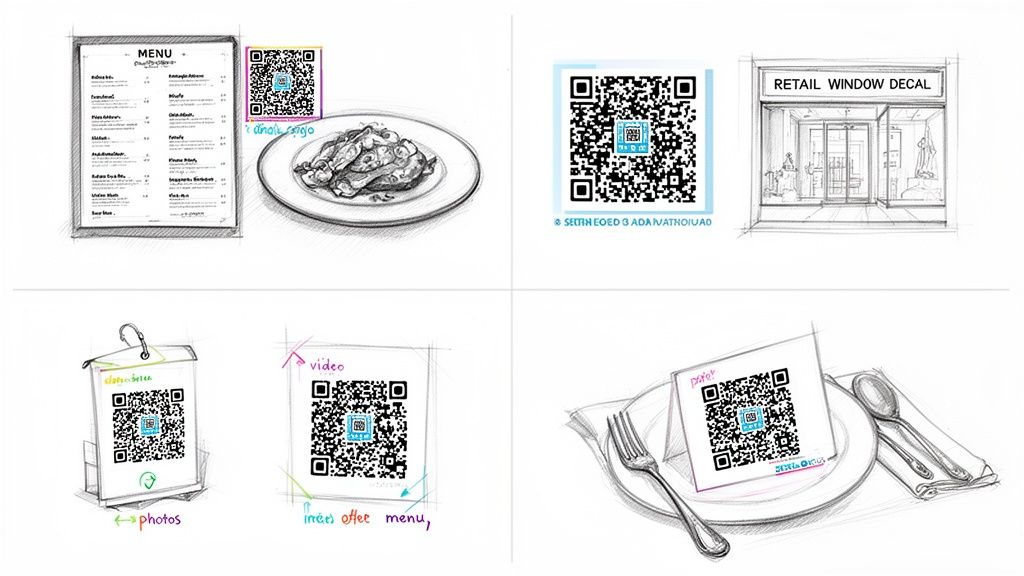
Here's the hard truth: a QR code is totally useless if nobody scans it. Just spitting out a generic black-and-white square and slapping it on a sign isn't a strategy. To get people to actually pull out their phones, your design and placement need to be thoughtful.
Don't be afraid to get creative and move beyond the default look. Something as simple as incorporating your brand's colors or placing a small, clean version of your logo in the center can make a huge difference. It makes the code instantly recognizable as yours and builds a little bit of trust with the customer.
This matters now more than ever. QR code use is absolutely exploding—global usage is expected to jump by roughly 323% between 2021 and 2025. With over 2.2 billion people projected to make payments with QR codes by 2025, it’s clear your customers are more than comfortable with the tech. You can dig into more of these trends in this in-depth analysis of QR code statistics.
Getting the Size and Scale Right
One of the most common mistakes I see is a QR code that’s just too small to scan. It’s frustrating for customers and makes the whole effort pointless.
As a solid rule of thumb, a printed QR code should never be smaller than 2 x 2 centimeters (that's about 0.8 x 0.8 inches). This is the bare minimum to ensure most phone cameras can focus on it without a struggle.
But the ideal size really comes down to the scanning distance. I always tell clients to use the 10:1 ratio: for every 10 feet of distance between the person and the code, the code itself should be about one foot wide. A code on your business card can be tiny, but one on a banner across the street needs to be massive to work.
My best piece of advice? Test it yourself. Before you send anything to the printer or publish it online, grab your own phone and try to scan it from the distance your customers will be. This one simple check can save you from a costly, ineffective campaign.
Smart Placement for Maximum Impact
Where you put your QR code is just as important as how it looks. You want to place it right where your customer's attention already is, offering them something of immediate value. Context is everything.
Think about these practical examples:
- In a Retail Shop: Put a QR code on your front window display right next to that new jacket. When someone scans it, don't just send them to your homepage. Link them to a video of a model wearing the jacket or a special discount they can only get by scanning right there. It turns a window shopper into an engaged customer.
- At a Restaurant: Sure, you can link to a menu. But what if you put a smaller QR code on the menu itself, right next to your signature dish? That code could link to a 30-second video of your chef plating it or the story behind the family recipe.
- For an Event Venue: If you’re collecting photos at a wedding, corporate gathering, or birthday party, don't just stick one big code at the entrance. Put smaller versions on every table tent, at the bar, and near the photo booth. This constant, easy access encourages instant photo uploads with no app requirement, which is key for getting seamless consolidation of photos.
When you make your QR codes look good and put them in smart, high-traffic spots, you're not just using a tool—you're creating a frictionless bridge between your physical business and your digital presence. For a few more clever placement tricks, check out these 10 creative QR code display ideas for events.
See What's Working with QR Code Analytics
Putting a QR code out there without tracking it is like shouting into the void. Are people scanning it? Do they care? You're just guessing. This is where analytics step in, turning your QR code strategy from a shot in the dark into a smart, data-driven way to grow your business.
Let's stop guessing and start measuring. The secret sauce is using dynamic QR codes. Unlike the static ones you print and forget, dynamic codes are editable and, most importantly, trackable. They pull back the curtain and show you a ton of information about how people are actually engaging with you.
What to Look For: Your Key QR Code Metrics
When you peek inside the analytics dashboard of a dynamic QR code generator, you'll find a handful of numbers that tell a powerful story. These metrics paint a clear picture of what your customers are doing, helping you tweak your approach for much better results.
You can usually see:
- Total Scans: The big one. This is simply how many times your code has been scanned.
- Unique Scans: This shows you how many different people scanned your code, giving you a real sense of your reach.
- Time of Scan: Are people scanning on Tuesday morning or Saturday night? Knowing the most popular days and times helps you time future promotions perfectly.
- Device Type: Is your audience mostly on iOS or Android? This little detail can help shape your broader digital strategy.
- General Location (City/Country): Seeing where your scans are coming from is gold, especially if you have a physical shop or run ads targeted to specific areas.
Turning Data into Decisions
This isn't just numbers on a screen; it's a roadmap for making smarter moves. Let's walk through a couple of real-world scenarios where these insights become a game-changer.
Imagine a local boutique puts one QR code on its front window display and another on a flyer they hand out at a farmer's market. By tracking each code separately, the owner can instantly see which one is sending more people to their online shop. No more wondering which marketing channel is worth the money—the data tells them straight up.
The real magic of analytics is finding those hidden opportunities. You might discover the QR code on your product packaging gets scanned most on weekends. Boom—now you know to run a special weekend-only online deal to catch that wave of engagement.
For anyone in the events world, this gets even more specific. An event planner using a tool like WedPicsQR can see if the QR code on the printed invitations sparked more early photo uploads than the one displayed at the venue entrance. That kind of feedback is invaluable for planning the next event.
It highlights the ease of use and shows which placement best encourages instant photo uploads with no app requirement. It’s this seamless consolidation of photos, backed by hard numbers, that proves your efforts are working. When you measure what works, every single scan becomes a meaningful piece of business intelligence.
Got Questions About QR Codes? We've Got Answers.
Jumping into something new always brings up a few questions. For most small business owners I talk to, QR codes feel like a good idea, but the "how" and "why" can be a little fuzzy. Let's clear up some of the most common sticking points and get you ready to use them.
Is This Going to Be a Huge Technical Headache to Set Up?
Not at all. It’s surprisingly simple and you absolutely don't need any special tech skills. Forget needing a developer or a marketing degree to get started.
When it comes to event photo collection, tools like WedPicsQR are built for regular people. The whole point is to guide you through creating a unique QR code for your gallery in just a couple of minutes. And for other marketing stuff? There are tons of free online generators where you just paste a link, click a button, and you’re done.
Do My Customers Need a Special App to Scan These?
Nope, and this is probably the best part. Any modern smartphone has a scanner built right into the camera app. All your customer has to do is point their phone at the code, a link pops up, and they tap it. That's it.
This is the secret sauce for getting people to actually engage. It's a frictionless, no-app-required experience, which is exactly why something like WedPicsQR works so well for any event. Guests can jump right in with instant photo uploads without the buzzkill of downloading an app first. It makes a huge difference in how many photos you'll end up with.
Should I Make a New QR Code for Every Single Thing?
Yes. This is one of those non-negotiable best practices. Using a unique QR code for each campaign is the only way to track what’s actually working and keep your projects from turning into a mess.
Think about it: a seamless consolidation of photos is only possible if each event has its own dedicated code. A platform like WedPicsQR does this for you, automatically generating a distinct code for every wedding, corporate party, or reunion so photos don't get jumbled. The same logic applies to marketing—a separate code on your storefront window versus one on a flyer tells you exactly which one is pulling people in.
Are People Even Still Using QR Codes?
They're more relevant now than ever before. What might have felt like a gimmick a few years ago is now a standard, everyday tool that connects the physical world to the digital one. People are completely used to scanning codes for everything from restaurant menus to paying for their coffee.
For a small business, a QR code is one of the most direct and budget-friendly ways to get customers to interact with you. Whether you’re sharing info, simplifying a process like photo collection for a birthday party, or driving sales, their versatility makes them a must-have in your playbook.
Ready to see just how easy collecting photos for your next event can be? With WedPicsQR, you can spin up a beautiful, shared gallery in minutes. Start today and capture every memory, without the hassle. Visit https://www.wedpicsqr.com to create your free gallery.